
When I started my role at Cornerstone Controls, the shape of my work changed.
I had been used to managing a couple of large projects. Now I was managing a large project while also keeping a dozen or more smaller projects moving. Each one came with its own commitments, risks, meetings, decisions, and client communications.
The challenge was not simply having more tasks. It was maintaining project-management oversight across work happening at very different scales.
The engineers I worked with could use spreadsheets and Kanban boards to organize their work. Those tools served them well. My job required a different view: What had we committed to? Which risks needed attention? What did the client need to know? What had changed since the last meeting? And what was I in danger of forgetting?
I could not find one workspace that fit the way I needed to answer those questions, so I started building one.
I needed oversight, not another task board
Kanban boards are excellent at showing work in flow. Spreadsheets are flexible and familiar. I was not trying to replace either one.
I needed to manage the layer around the work:
- Commitments made during meetings
- Key project risks and follow-ups
- Decisions that would matter weeks later
- Internal items that should not appear in client communications
- Status information that had to be turned into a useful update
- Open items that needed to return at the next meeting
The information existed, but it was scattered across notes, emails, spreadsheets, calendars, and business systems. Every status update required gathering it again. Every meeting created another chance for an action item to remain trapped in a document nobody reopened.
The application that became Project Notes Pro started as an attempt to reduce that friction. I wanted to capture information once, keep it connected to the project, and then reuse it when I conducted a meeting or communicated with a client or team member.
Integration was therefore not an optional feature. If the application could not work with the business systems around it, it would become one more place to copy information into and out of.
Why I chose Qt and C++
I have always enjoyed working in Linux and macOS, and I did not want to build an application tied to one operating system. I chose Qt and C++ because they gave me a path to a native, cross-platform desktop application with the control and performance of C++ and a mature framework for building the interface.
That decision also fit the way I wanted the application to feel. This was software I expected to leave open all day. It needed to behave like a real desktop workspace: responsive, information-dense, and able to manage local data even when a network service was unavailable.
C++ gave me a durable core. Qt gave me the cross-platform application framework. Together, they made it possible to build for the environments I preferred without giving up a capable desktop interface.
Why I embedded Python
I also knew that I could not anticipate every interface or business-system integration I would eventually need.
Recompiling the core application for every experiment would have made those integrations slow to develop and difficult to extend. I wanted a plugin model: a stable desktop application with room to add specialized behavior around it.
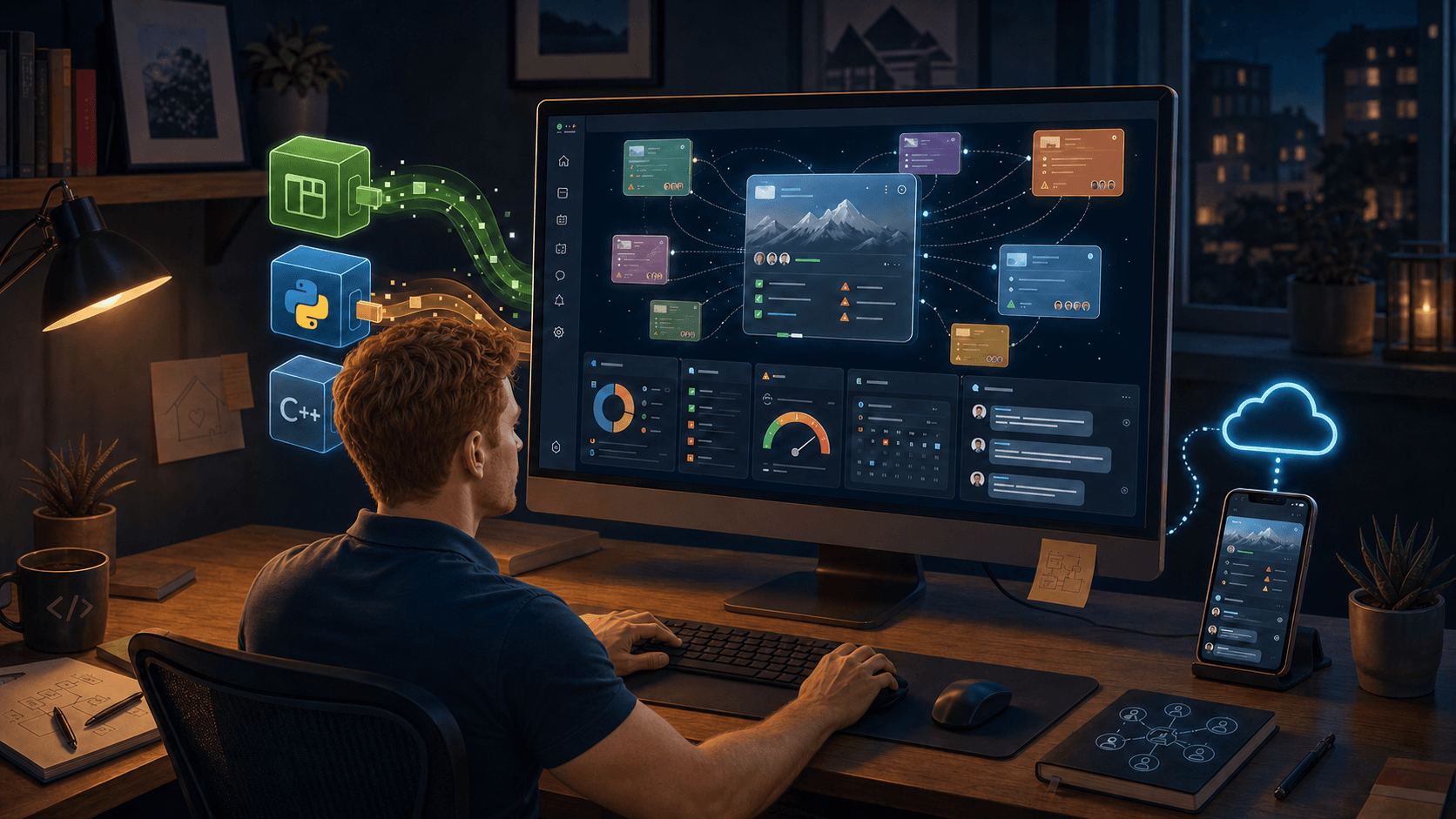
Embedded Python provided that layer. Python brought a rich ecosystem of libraries and modules for working with APIs, data, documents, automation, and the many odd edges that appear when business systems have to communicate. C++ and Qt could remain the foundation, while Python plugins could provide a faster and more flexible way to add interfaces and integrations.
That combination became one of the central architectural ideas behind the application:
- Qt for the cross-platform application and user interface
- C++ for the core desktop functionality
- Python for extensibility, plugins, and integration work
It was not the simplest stack I could have chosen. It was the stack that matched the problem I expected the application to grow into.
Lockdown gave the project time to become real
Then COVID arrived.
Like many people, I suddenly spent far more time indoors. I subscribed to Team Beachbody to keep myself moving, which gave those strange days a useful rhythm: work, get a workout in, then settle back in for an evening of coding. It was not an especially glamorous routine, but it kept both me and the project moving forward.
What had begun as a tool for my own project-management problem grew through those long evenings of building, testing, and revising.
The advantage of being the developer and the daily user was that the feedback loop was immediate. I did not have to invent a persona or guess what a project manager might need. I could use the application in a meeting, find the awkward parts, and return to the code.
That also kept the product grounded. Features had to earn their place in an actual working day. Could I see the commitments that were still open? Could I bring the right risks into a discussion? Could I structure a client update without reconstructing the project from old notes? Could the application help me conduct the meeting rather than merely archive it afterward?
Over time, the application stopped feeling like a coding project and started becoming part of how I managed projects.
Agentic coding changed the pace
In February 2026, my son-in-law—who is also a programmer—encouraged me to try an agentic coding agent. I was interested, but also curious about how useful it would be on a real application that already had years of history and architectural decisions behind it.
The answer became clear quickly. This was more than code completion. I could give the agent a goal, have it explore the relevant parts of the codebase, and work with it through an implementation. That changed the pace of development.
By then, the desktop application and its core workflow already existed. Agentic coding did not supply the original problem or replace the years of learning that shaped the product. What it changed was the speed at which I could pursue the next stage.
I could work through unfamiliar parts of the stack more quickly, investigate a larger codebase with less friction, and turn well-defined ideas into testable implementations faster. That helped me build out cloud synchronization and add an iOS version of the application in a much shorter period of time than I would have expected before.
The experience reinforced something I have come to believe about these tools: they are most useful when paired with clear product judgment. An agent can help trace code, propose an implementation, or accelerate repetitive work. It still needs direction from someone who understands the problem, knows the constraints, and can tell whether the result belongs in the product.
For Project Notes Pro, that direction came from years of using the application to do the work it was designed to support.
The application now stays open all day
Today, I rely heavily on Project Notes Pro. It stays open on my desktop. I use it to conduct meetings, review commitments, track important project risks, and structure my workflow. With cloud synchronization, the same project information can follow me to the iOS application when I am away from the desk. Cloud sync requires a subscription; the open-source desktop application can be used without it.
The product has grown, but its purpose has remained remarkably consistent. It is still the workspace I wanted when my role changed at Cornerstone Controls: one place to maintain oversight when the work is spread across many projects, people, meetings, and systems.
Project Notes Pro is not intended to replace the tools engineers use to manage work in flow. It is a PMP-aligned workspace for the responsibilities around that work—for commitments, risks, decisions, meeting records, and the communication that keeps a project aligned.
That is why I built a desktop app. More importantly, it is why I kept building it.
You can explore the open-source desktop application on GitHub or learn more at projectnotespro.com.
Written by Paul McKinney, founder of Project Notes Pro.